5 min read
Getting Started
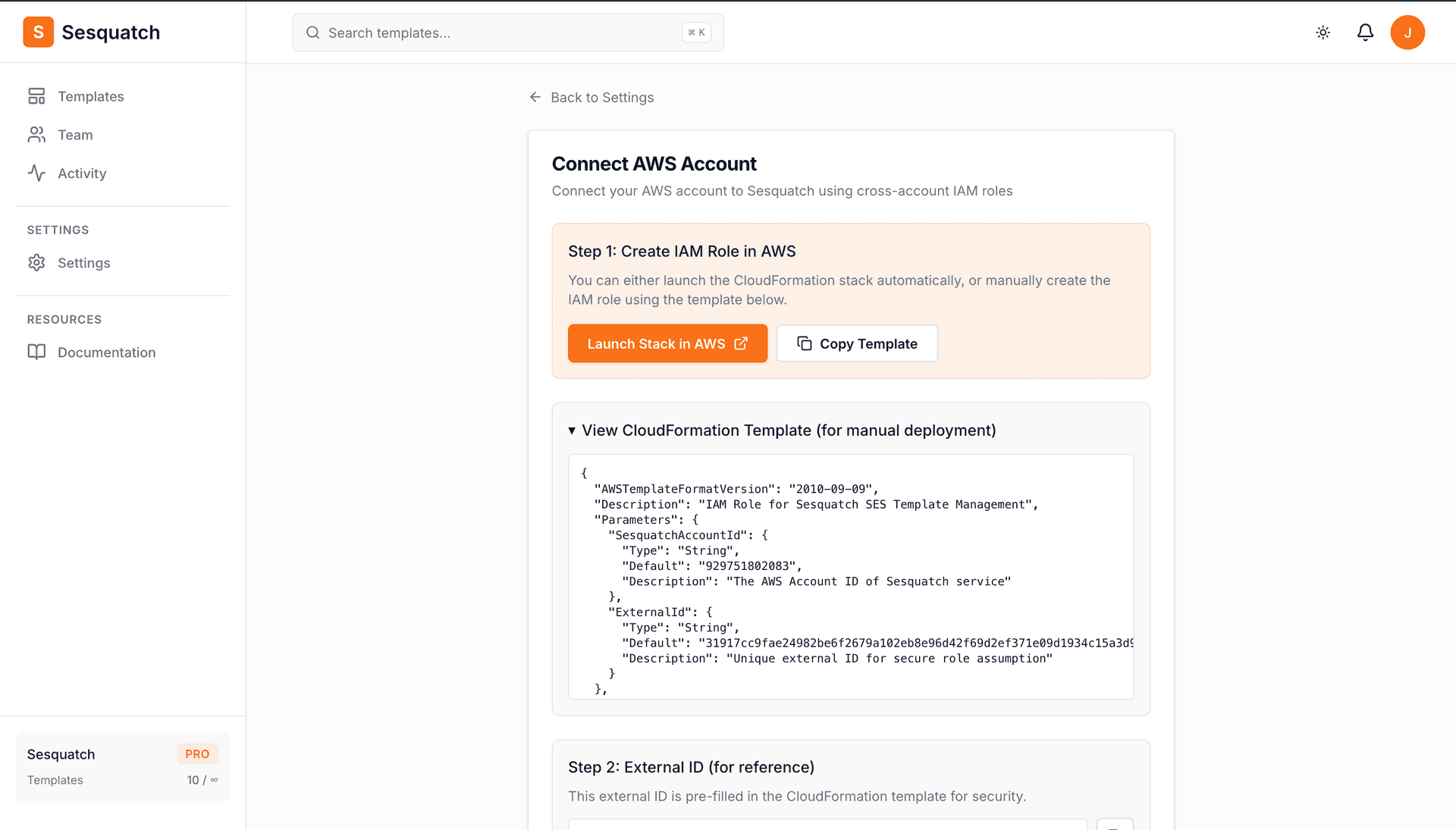
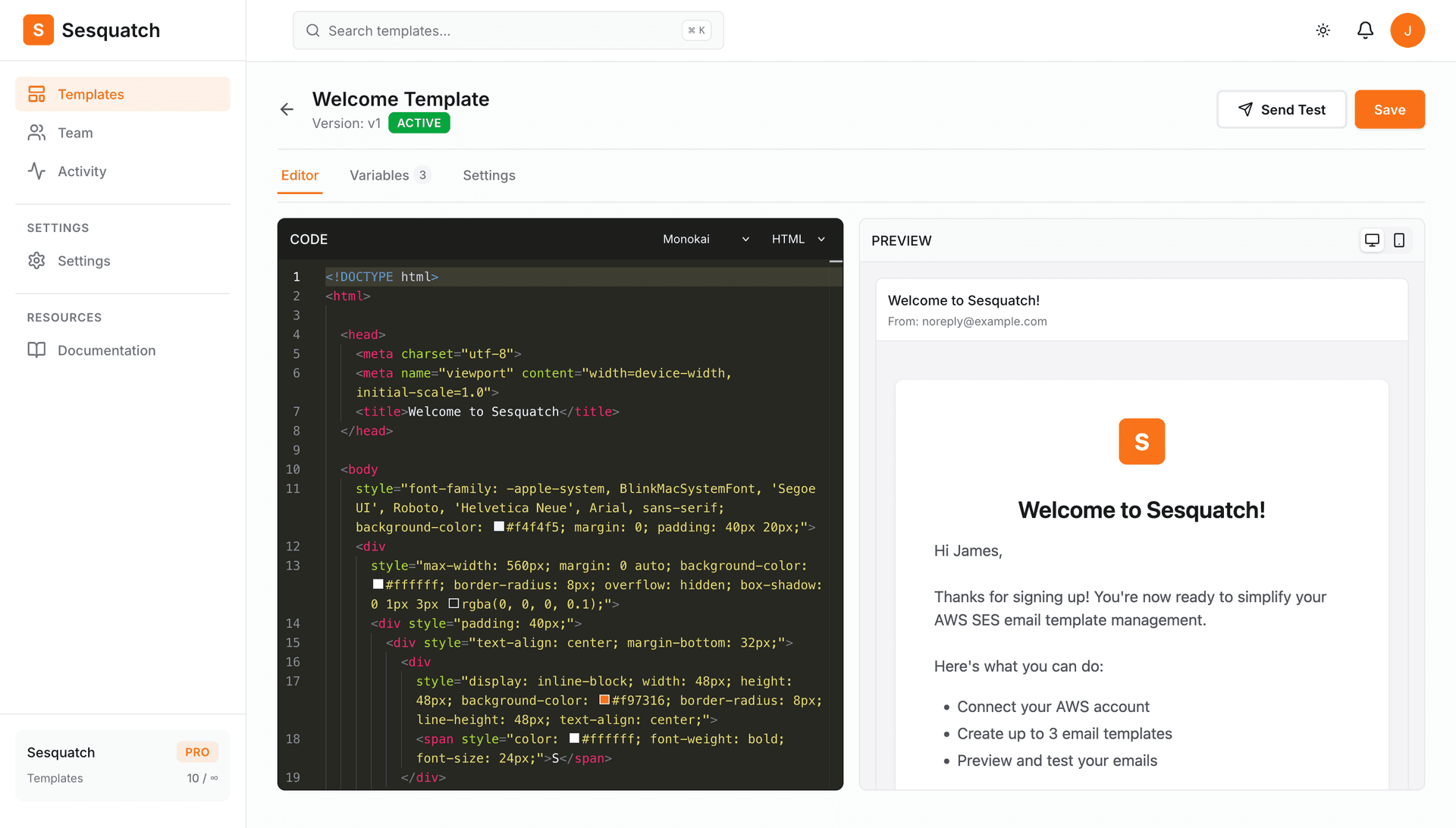
Get up and running with Sesquatch in just a few minutes. This guide will walk you through creating your account, connecting AWS, and deploying your first email template.
Prerequisites
- An AWS account with SES configured
- IAM permissions to create roles in your AWS account
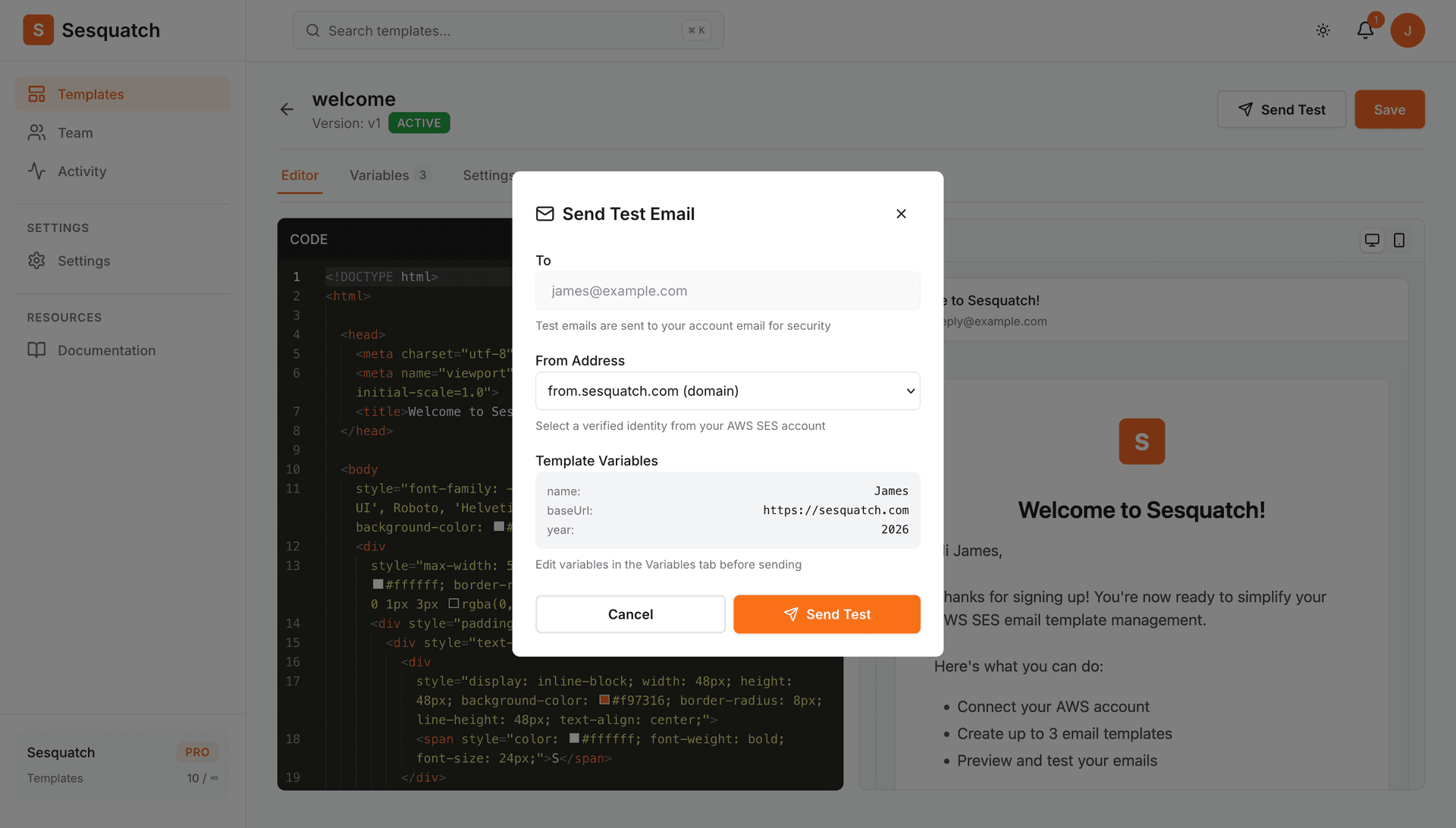
- A verified email address or domain in SES (for sending test emails)
Setup Steps
1
Create your account
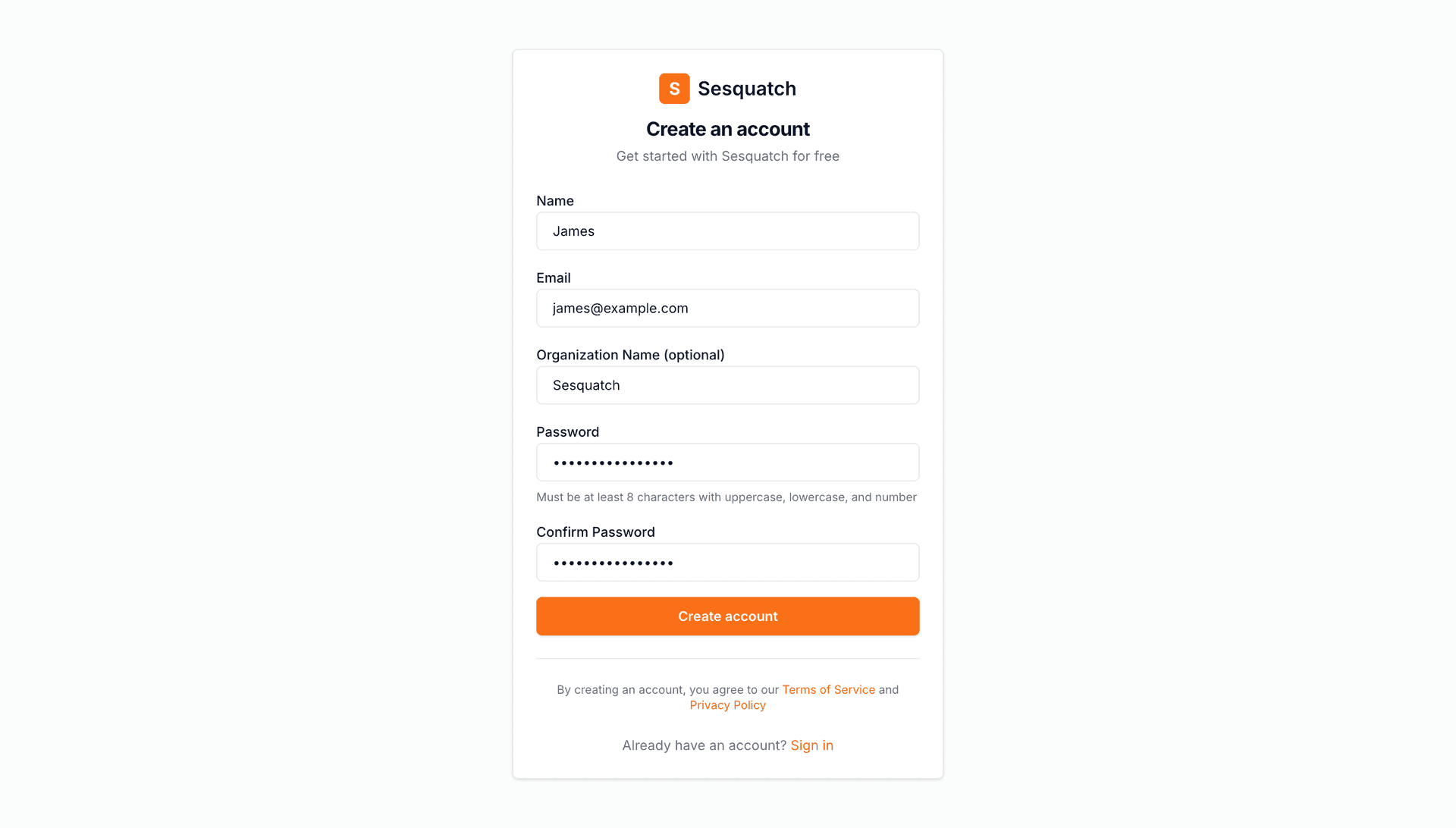
Sign up for a free Sesquatch account. No credit card required to get started.
- •Visit the registration page and enter your email
- •Verify your email address
- •Set up your organization name